One platform · many industries

BMSFORCE

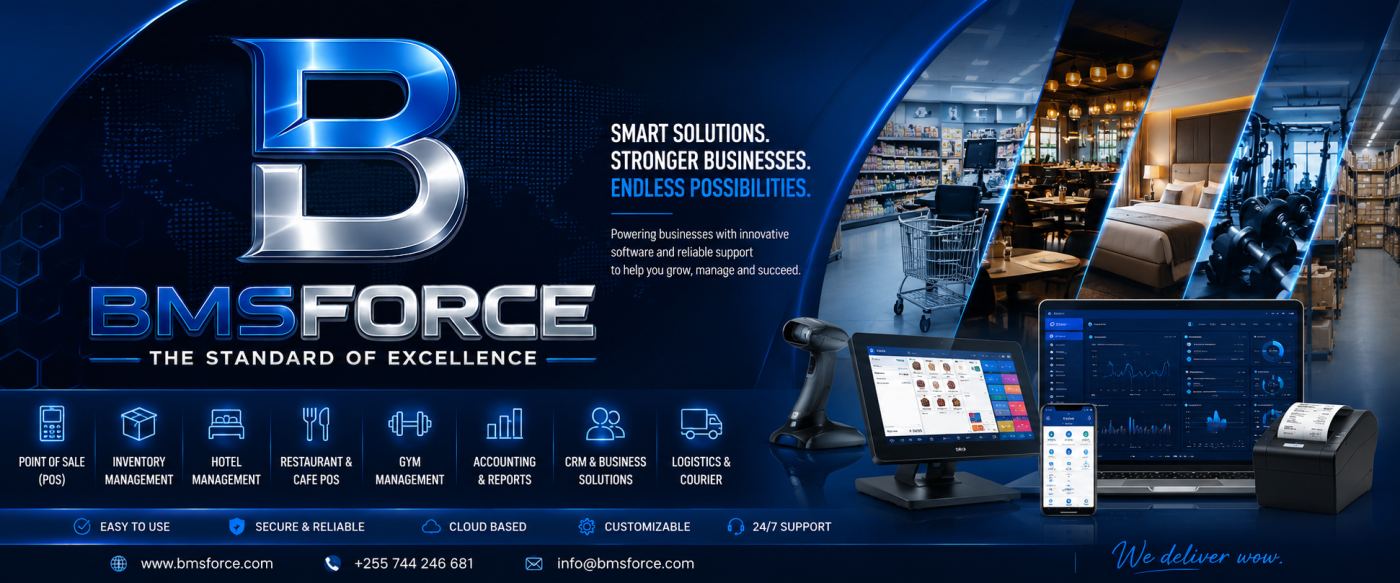
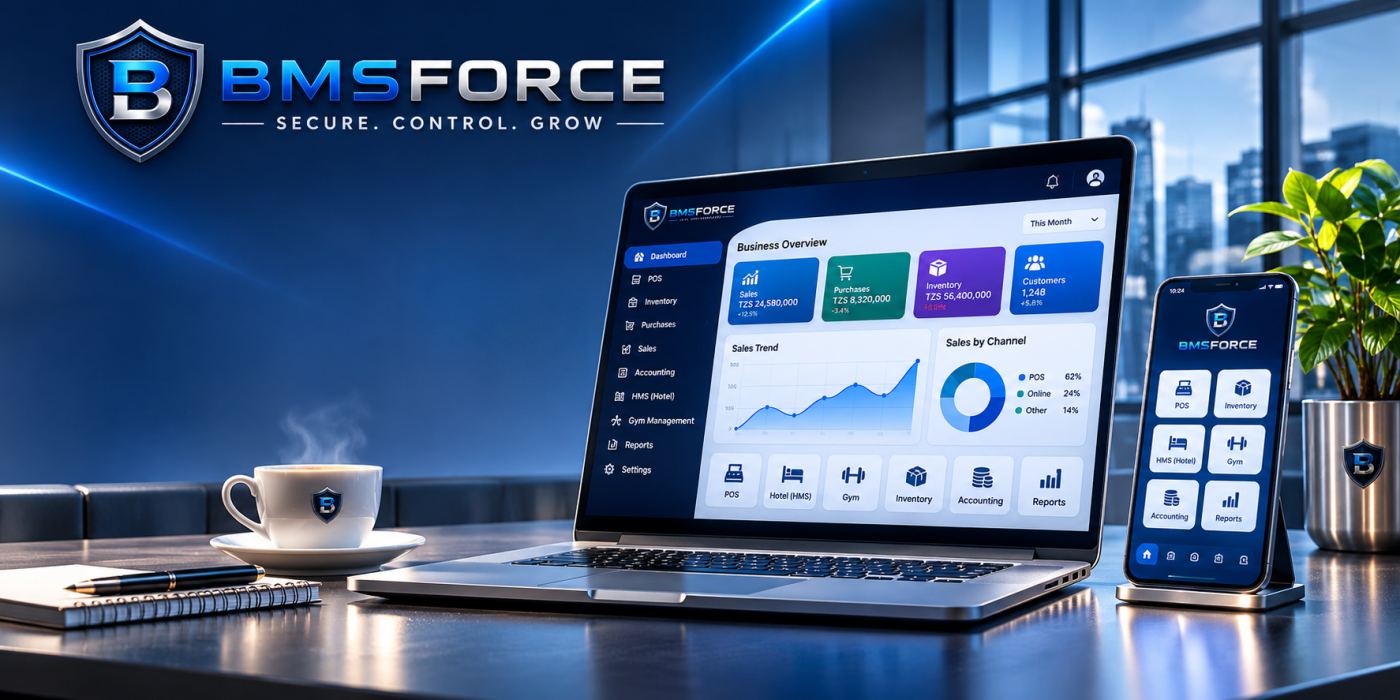
POS, stock, hotel, gym and accounting — run your entire business from one clean dashboard. Live demo included with real data.
  • No install
  • Multi-outlet ready
  • Demo data included
  • Hotel · Retail · Gym
bmsforce.com
All-in-one business management Built for real businesses Run every outlet from one place Hotel-ready workflows
All-in-one business management POS, stock, hotel, gym, accounting — one dashboard for your whole operation. Start free trial
6+modules
4outlets
47products
26staff roles
Why BMSFORCE?

Everything your business needs

Modules that talk to each other — less double entry, clearer decisions.

Point of Sale

Point of Sale

Fast checkout, receipts, shifts and multi-outlet sales — built for busy floors.
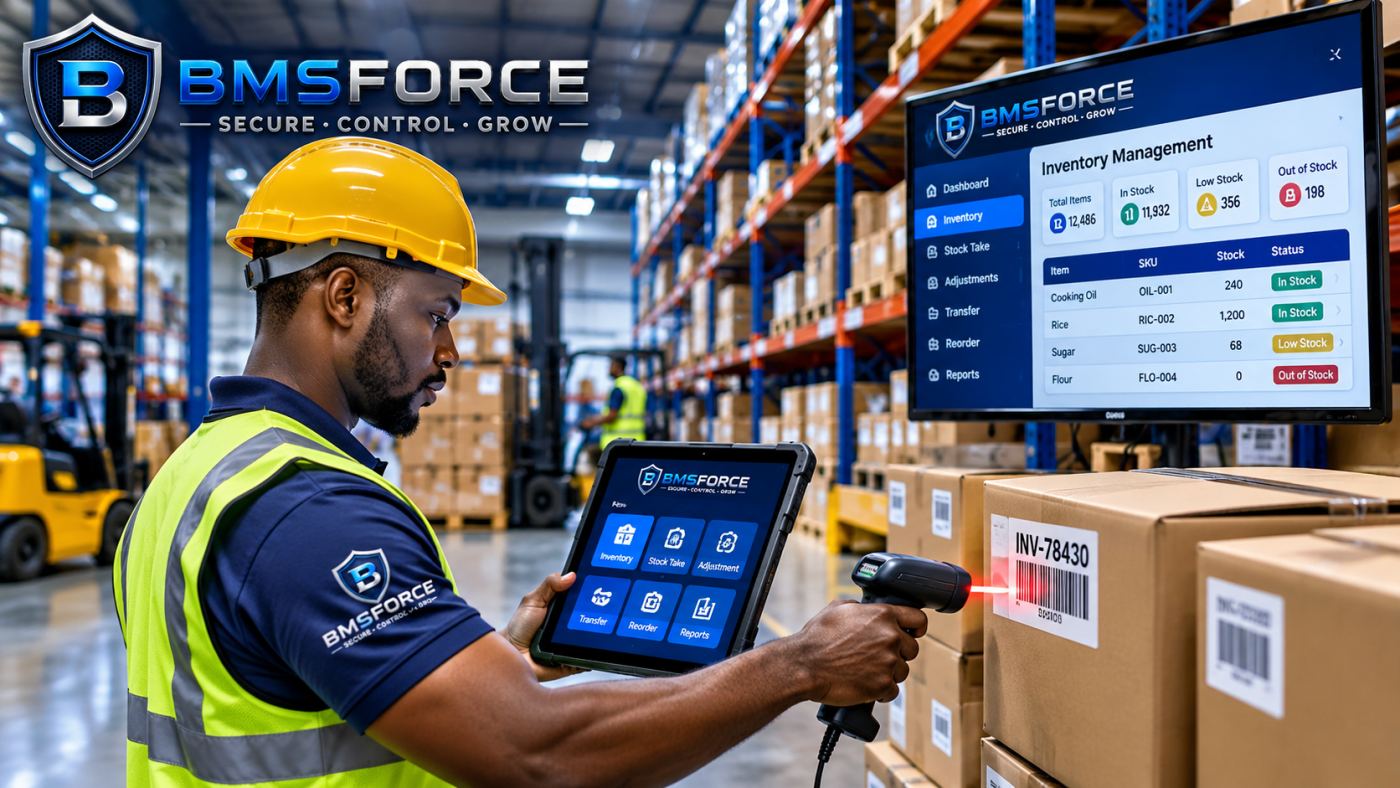
Stock & purchasing

Stock & purchasing

Purchase orders, transfers, stocktakes and live valuation across every location.
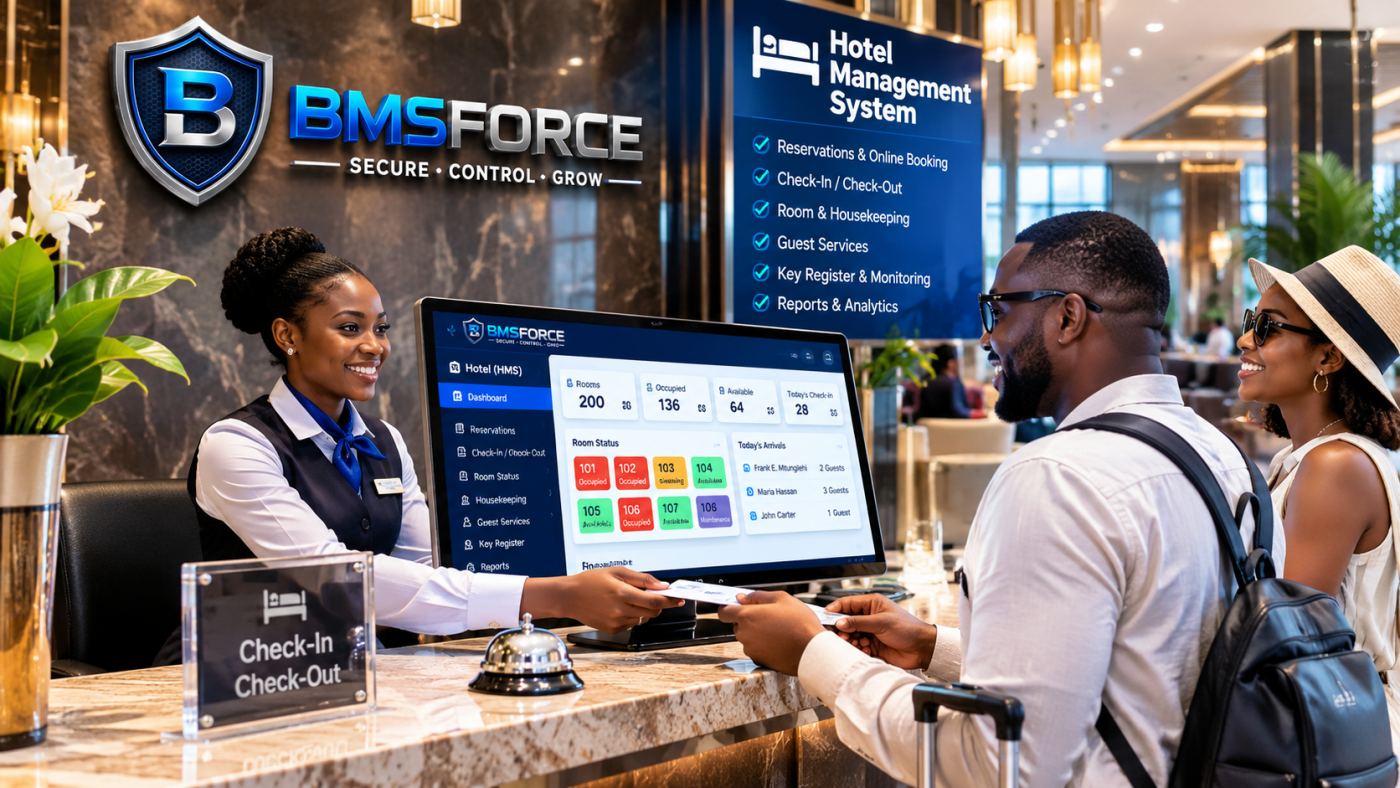
Hotel & F&B

Hotel & F&B

Front desk, rooms, restaurant, bar and kitchen — one connected workflow.

Gym & members

Gym & members

Memberships, classes, check-ins and QR flows without extra software.
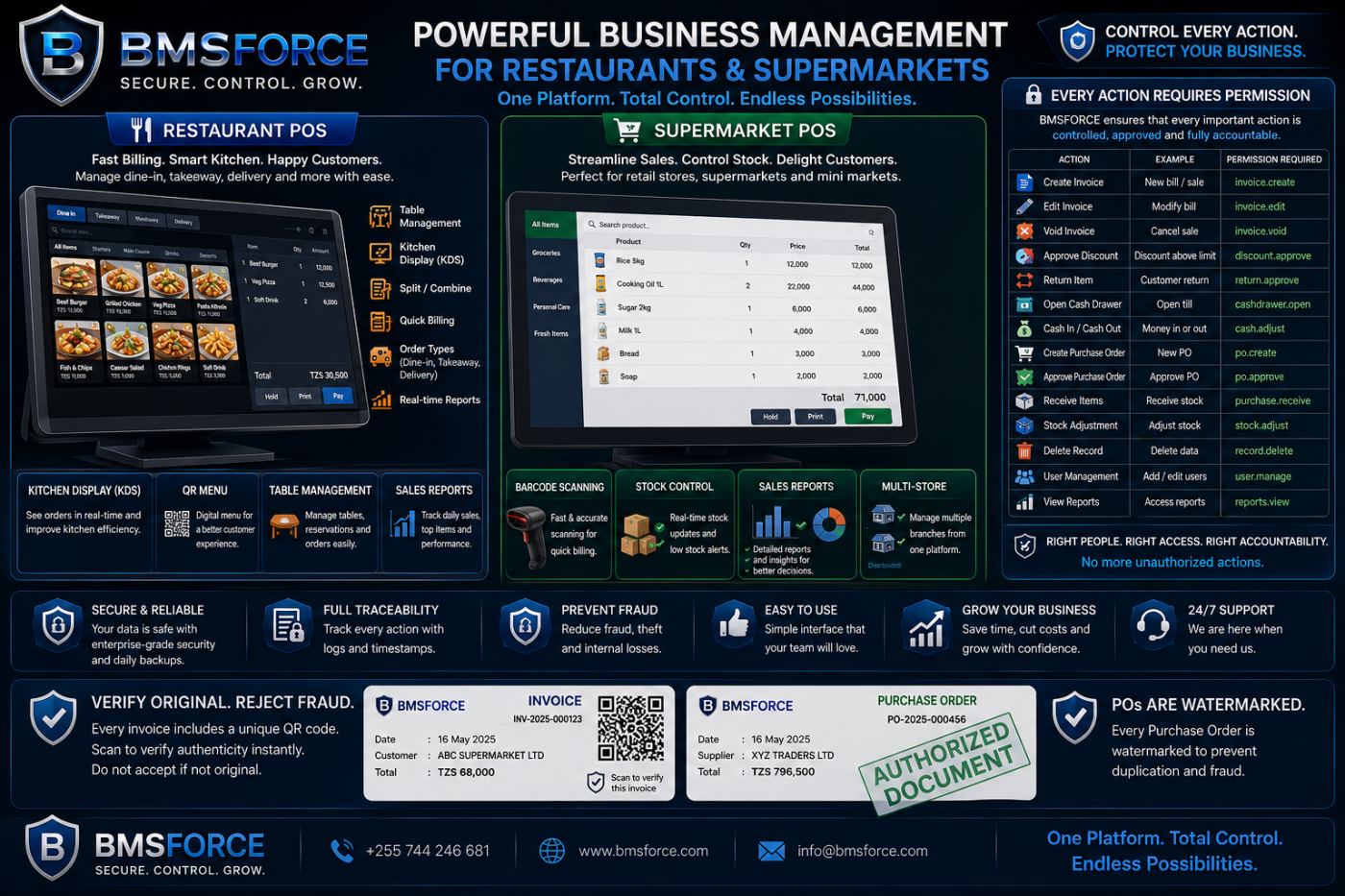
Accounting ready

Accounting ready

Journals, ledgers and reports that stay aligned with what you sell.
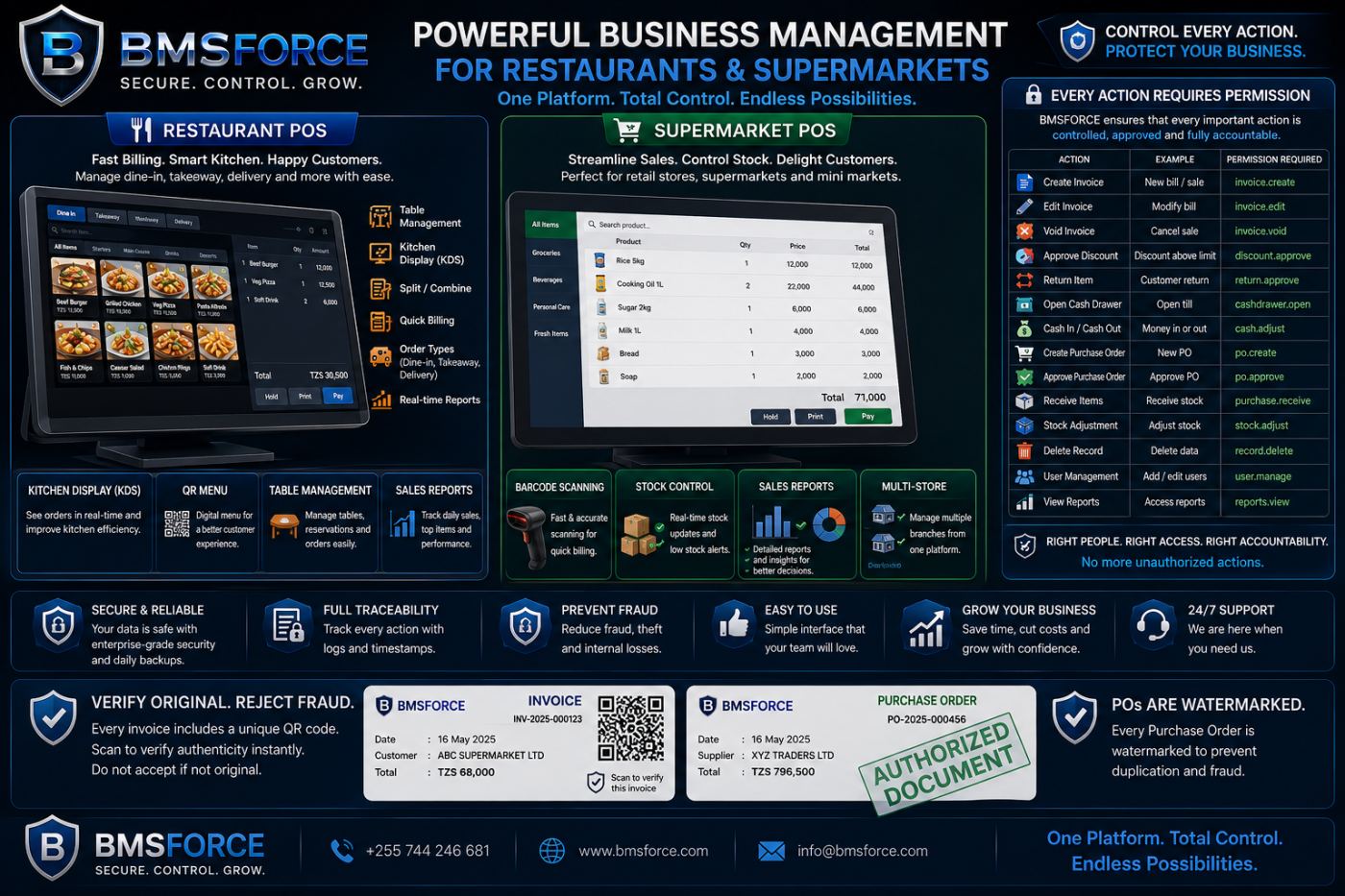
Staff & roles

Staff & roles

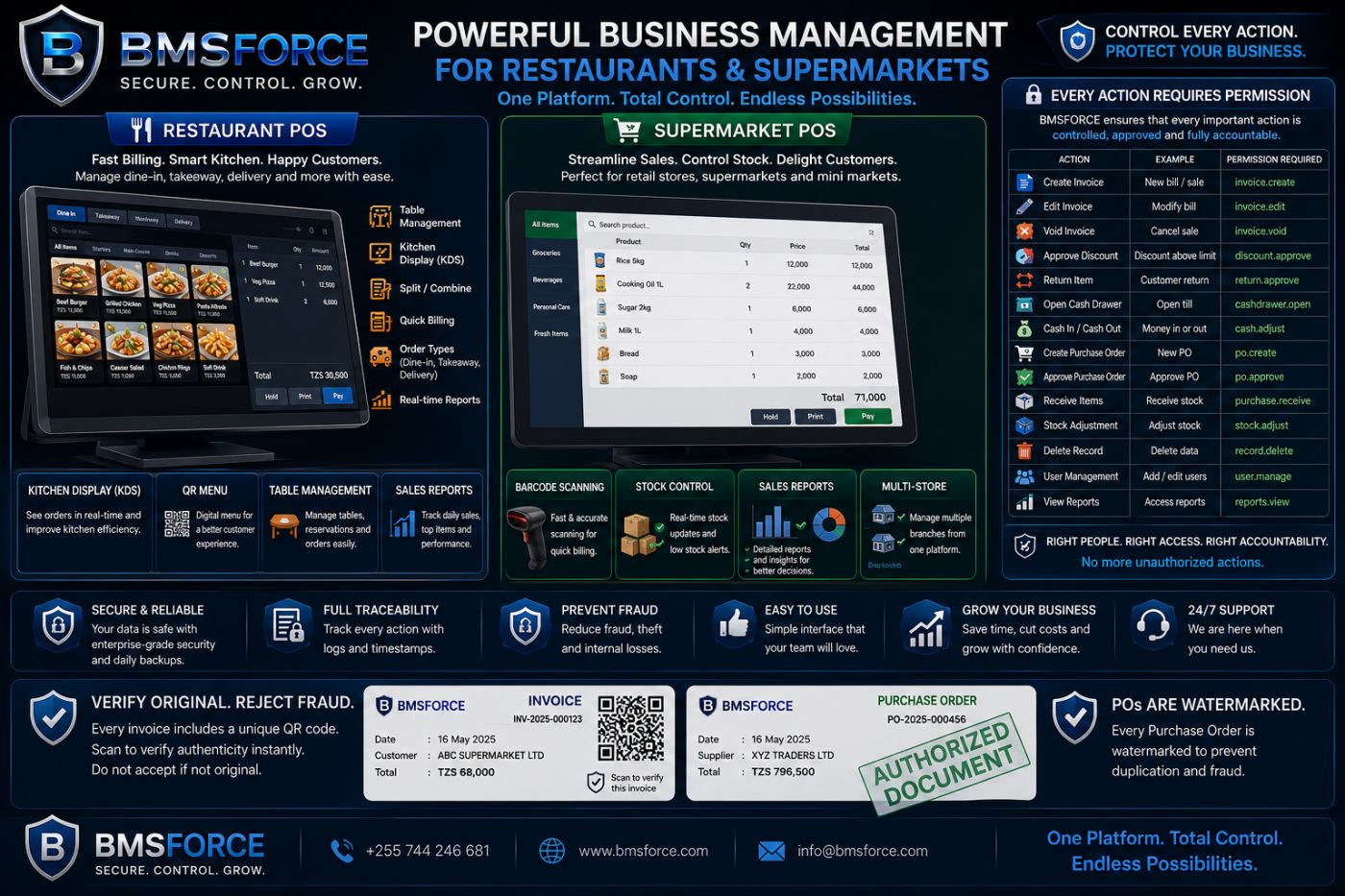
Granular permissions so cashiers, managers and owners see only what they need.

Your guide to BMSFORCE

Understand your business, all in one place

BMSFORCE brings everyday business activities together in a web-based system. Record sales, manage stock, serve customers and follow operations from one place. Choose the modules that fit your business and give each team member access appropriate to their role.

Available modules and features depend on your subscription, business setup and user permissions.

1

Set up your business

Add your locations, staff, products and services. Configure the modules your team needs.

2

Work as usual

Staff record sales, stock movements, bookings or security activities in their respective screens.

3

Review and act

Managers use dashboards and reports to follow activity, spot issues and make decisions.

Explore the system

What can you manage?

Start with the tools you need today, and ask our team about adding other modules as you grow.

Sales & point of sale

Serve customers at the counter, record sales and payments, issue receipts and review sales activity. Useful for shops, restaurants, bars and other busy outlets.

  • Product and service sales
  • Receipts and payment records
  • Outlet and cashier activity

Inventory & purchasing

Keep track of the products you buy, sell and move. Purchasing, transfers and stocktakes help your team understand what is available at each location.

  • Products and stock levels
  • Purchases and supplier records
  • Transfers and stock counts

Hotels, restaurants & hospitality

Support front-desk and food-service work in one system. Teams can manage rooms and hospitality operations alongside sales and stock.

  • Room and guest workflows
  • Restaurant and bar sales
  • Kitchen and store coordination

Gym & memberships

Organize membership records and day-to-day member activity, helping your team follow registrations and visits.

  • Member and membership records
  • Check-ins and QR workflows
  • Classes and membership activity

Smart Security

Give your security team a clearer picture of every site, shift and response with practical tools for the gate, the field and the control room.

  • Guard rosters, check-ins and staffing intelligence
  • QR patrol checkpoints and scan records
  • Incidents, visitor, vehicle and occurrence logs
  • SOS alerts and a control-room view

Clients, reports & alerts

Managers can review operational reports and share a site report with a client through a generated link. Notifications help draw attention to events such as SOS alerts and patrol exceptions.

  • Incident trends and hotspot reports
  • Client site summaries and printable reports
  • In-app and email notifications; SMS with a configured gateway

Accounts & business reporting

Review financial information and reports alongside your operational records, so owners and managers can follow business performance.

  • Account and ledger records
  • Sales and operational reports
  • Business and location-level review

Customers & deliveries

Keep customer information organized and use the courier tools to manage delivery activity. Customers can use public links to track a parcel or request a pickup.

  • Customer and contact records
  • Parcel tracking
  • Online pickup requests

Staff access & control

Give people access according to the work they do. Roles and permissions help separate staff tasks from management and administrative functions.

  • User accounts and roles
  • Permission-based access
  • Different teams and locations
Go beyond the basics

Powerful tools for the way your business really works

From a guest extending a stay to a manager checking stock costs, BMSFORCE gives each team a practical place to act. Explore a module to see what it can do and how your team can use it.

Hospitality

Hotel & Lodging

Give reception, housekeeping and management a more complete view of the guest journey.

Explore advanced hotel features
  • Front desk and overstays: see checked-in guests, arrivals and departures. An overstay alert highlights guests whose scheduled departure has passed.
  • Extend a stay: choose Extend Stay for an in-house booking, enter the new departure and any agreed fee. The system checks room availability and updates active key expiry; the fee is entered by staff rather than calculated automatically.
  • Folio and guest service: record charges and payments, organise split folios, track guest requests and use room QR codes to help guests reach services.
  • Housekeeping and control: follow room status, cleaning tasks, keys and maintenance; use reports and night-audit screens to review operations.

The benefit: reception can spot exceptions earlier and keep the guest record connected to the work happening around it.

Security operations

Smart Security

Bring guards, patrols and the control room together around the same operational picture.

Explore security intelligence
  • Staffing intelligence: authorised managers can review sites below their configured staffing requirement, overlapping assignments and short rest between shifts, including overnight shifts.
  • Patrol evidence: create routes and QR checkpoints, assign guards and review scan records, overdue patrols and compliance.
  • Faster response: monitor SOS alerts, acknowledge and resolve incidents, and review incident hotspots and response reports.
  • Gate and client workflows: record visitors and vehicles, manage gate passes and material receiving, and share a site summary with a client through a generated link.

The benefit: supervisors can prioritise the right follow-up instead of piecing together scattered logs. Short-rest indicators are prompts for review, not proof of fatigue.

Financial control

Accounting

Connect source documents and the ledger with clear matching, controlled posting and a review trail.

Explore accounting workflows
  • Supplier bills: select the supplier and PO, then verify against the received purchase using the exact supplier invoice number and total. Unrelated standalone bills are identified separately.
  • Payment account mapping: link an Accounting cash, bank or mobile-money account to its operational counterpart before reconciling supported payments.
  • Accrual and reconciliation: authorised users can configure posting rules or review sales, expenses, payroll and Gym records in their reconciliation screens. Source-module access and subscriptions still apply.
  • Hotel deposits: reconcile an existing guest prepayment as a deposit liability, then review and apply it to the final folio. A split booking can use one master invoice when the responsible customer is confirmed.

The benefit: finance can trace a posting back to its source and review exceptions rather than relying on amounts alone.

Purchasing & stock

Store Requisitions & RFQs

Turn a department request into a controlled purchasing or stock-issue workflow.

Explore request and approval controls
  • Request to purchase: create a department RFQ, collect and approve quotations, then continue through the original purchase requisition, purchase order and purchase process.
  • Issue with control: reviewers can adjust approved quantities or remove a line; authorised staff can make eligible substitutions with an audit trail.
  • Daily food and beverage insight: the requisition screen compares projected daily cost with sales for the required date and the configured target. Where sales are unavailable, the comparison is shown as unavailable.
  • Follow the handoff: review approval, issue and pickup information so departments and the store can see the same request history.

The benefit: purchasing decisions and stock issues are easier to follow from request through fulfilment.

Management insight

Finance Intel

Move from raw activity to a clearer understanding of cost and performance.

Explore management insights
  • Cost targets: configure food and beverage budgets and use them when reviewing outlet costs.
  • Recipes and theoretical analysis: record recipe costs and compare theoretical consumption with operational results.
  • Waste and channels: review the Waste Board and Channel Performance to investigate where costs or performance need attention.

The benefit: managers can focus discussions on the outlets, products and cost drivers that need attention.

Fitness

Gym & Memberships

Keep membership activity, attendance and service delivery organised in one place.

Explore member features
  • Plans and dues: set up packages and subscription plans, enroll members and follow subscription dates and payments.
  • Member activity: use QR workflows, attendance records, classes and member profiles to support daily operations.
  • Progress and engagement: use the available workout, measurement and nutrition tools to follow member activity over time.
  • Accounting: where Gym and Accounting are active, use Gym reconciliation for supported subscription accruals and receipts.

The benefit: teams can spend less time searching for membership details and more time serving members.

Logistics

Courier & Delivery

Follow a parcel from booking through dispatch and delivery.

Explore delivery workflows
  • Plan and dispatch: record senders, recipients, destinations and parcel details, then use the driver and warehouse workflows available to your team.
  • Keep customers informed: share the public tracking page or allow customers to request a pickup online.
  • Manage exceptions: review courier damage, refund and operational cash-on-delivery records in their respective workflows.

The benefit: staff and customers have a clearer trail for each delivery.

Events

Events & Ticketing

Organise the event, the guest journey and the gate in a single workspace.

Explore event operations
  • Build the event: create the event and define ticket types, access rules and team responsibilities.
  • Manage entry: use the ticket scanner and verification tools to help gate staff check tickets and cards.
  • Coordinate more: use the available transport, guest, fundraising and operational records where relevant to the event.

The benefit: your team can prepare before the event and keep activity easier to follow on the day.

People

HR & Payroll

Give HR a structured place for employee information, attendance and payroll activity.

Explore people management
  • Employee records: maintain profiles, documents and relevant HR history under role-based access.
  • Attendance and leave: configure shifts, leave types and holidays, then review staff attendance and requests.
  • Payroll: prepare payroll groups and review allowances and deductions; Accounting reconciliation requires explicit allocations where appropriate.

The benefit: the team can work from consistent employee records while keeping access aligned to responsibilities.

Sales

POS & Restaurant Operations

Serve customers quickly while keeping the sale and its payment traceable.

Explore selling tools
  • Counter or account sales: use POS for daily selling and sales screens for quotes, invoices and customer balances.
  • Restaurant flow: use tables, service types, modifiers and kitchen screens where configured for your operation.
  • Review performance: use location, sales and register reports to follow outlet activity and investigate differences.

The benefit: busy teams can focus on service while managers retain a clear sales trail.

Products & purchasing

Inventory & Purchasing

Build a consistent product catalogue and follow stock across your business locations.

Explore inventory workflows
  • Product setup: manage product codes, units, variations, prices and opening stock for the locations you use.
  • Buy and receive: prepare purchase orders and record purchases and supplier invoices in the purchasing workflow.
  • Move and investigate: record stock transfers and adjustments, then use stock and purchase reports to review quantities by location.

The benefit: teams can work from a shared view of what was ordered, received and moved.

Inventory

Stock Take

Make physical counts easier to review before stock is adjusted.

Explore stock control
  • Count by location: start a session and record physical quantities using the available counting workflow.
  • Review differences: compare counts with system stock, investigate variances and use the approval and adjustment steps appropriate to your role.
  • Keep history: review sessions and exports to follow what was counted and reconciled.

The benefit: managers can address discrepancies with a documented count rather than guessing.

Customer experience

QR Product Catalogue

Let customers discover the menu or catalogue from a shareable QR code.

Explore QR ordering
  • Publish and share: prepare the catalogue and generate QR codes for customers or tables.
  • Receive and prepare: use the Orders Board and Kitchen views to follow submitted orders.
  • Coordinate the team: review order progress through the available operational screens.

The benefit: customers can browse conveniently while staff receive orders in a central workflow.

Website

Web CMS

Keep your public presence current without maintaining a separate website tool.

Explore website management
  • Pages and content: authorised administrators can create and edit pages, news and posters, with images and publication settings.
  • Customer enquiries: review contact messages in the CMS inbox and keep public contact details current.
  • Present your business: manage site settings and use the available gallery and public pages to show what you offer.

The benefit: your website can evolve as your services and campaigns change.

Customer relationships

CRM & Follow-ups

Give your team a shared view of prospects and the next action.

Explore customer follow-up
  • Capture leads: organise prospects with relevant campaign and contact information.
  • Follow up: plan and review calls, visits and other follow-up activities using the CRM screens.
  • Manage access: assign the appropriate lead and schedule permissions for each staff role.

The benefit: fewer opportunities are lost between the first enquiry and the next conversation.

Productivity

Business Tools & Integrations

Give your teams practical tools for everyday data entry and administration.

Explore supporting tools
  • Barcode scanning: use a supported camera scanner in applicable sales and stock workflows.
  • Imports and exports: use available spreadsheet templates and reports to bring in or review data in bulk.
  • Connected services: configure supported integrations and gateways for the business workflows that need them.
  • Roles and locations: give staff access to the modules, actions and locations appropriate to their work.

The benefit: routine tasks are easier to coordinate as your business grows.

Features, integrations and menu options depend on the modules subscribed to, setup and staff permissions. Payment and messaging services require their own configuration.

A practical example

One hotel, many connected teams

A hotel can use the front desk for guests, the restaurant for sales, the store for supplies and Smart Security for security. Managers can then review the information relevant to their responsibilities without relying on separate paper records for every activity.

Is it right for me?

BMSFORCE can support hotels, restaurants, bars, shops, gyms, security teams and other service businesses. Tell us how your business works and we can help identify the appropriate modules and subscription.

Live demo · no signup

Try a working hotel, not a screenshot

Sign in to Grand Palm Hotel — rooms, restaurant, bar, kitchen, gym, security, accounting and a stocked store, already loaded with data. Nothing to install, nothing to configure.

Try the demo or browse the sample pages
  • 4 outlets
  • 47 products
  • 26 staff on 12 roles
  • sales & purchasing history
  • stocktake, kitchen, gym, security
bmsforce.com/login
Demo sign-in
Username
demo
Password
demo1234

This account is read-and-sell only — it cannot reach users, roles, business settings or accounting, so it is safe to share.

Industries

Businesses we serve

From boutique hotels to busy supermarkets — configure once, run daily.

Hotels & resorts

Hotels & resorts

Rooms, F&B, housekeeping and guest billing in one flow.
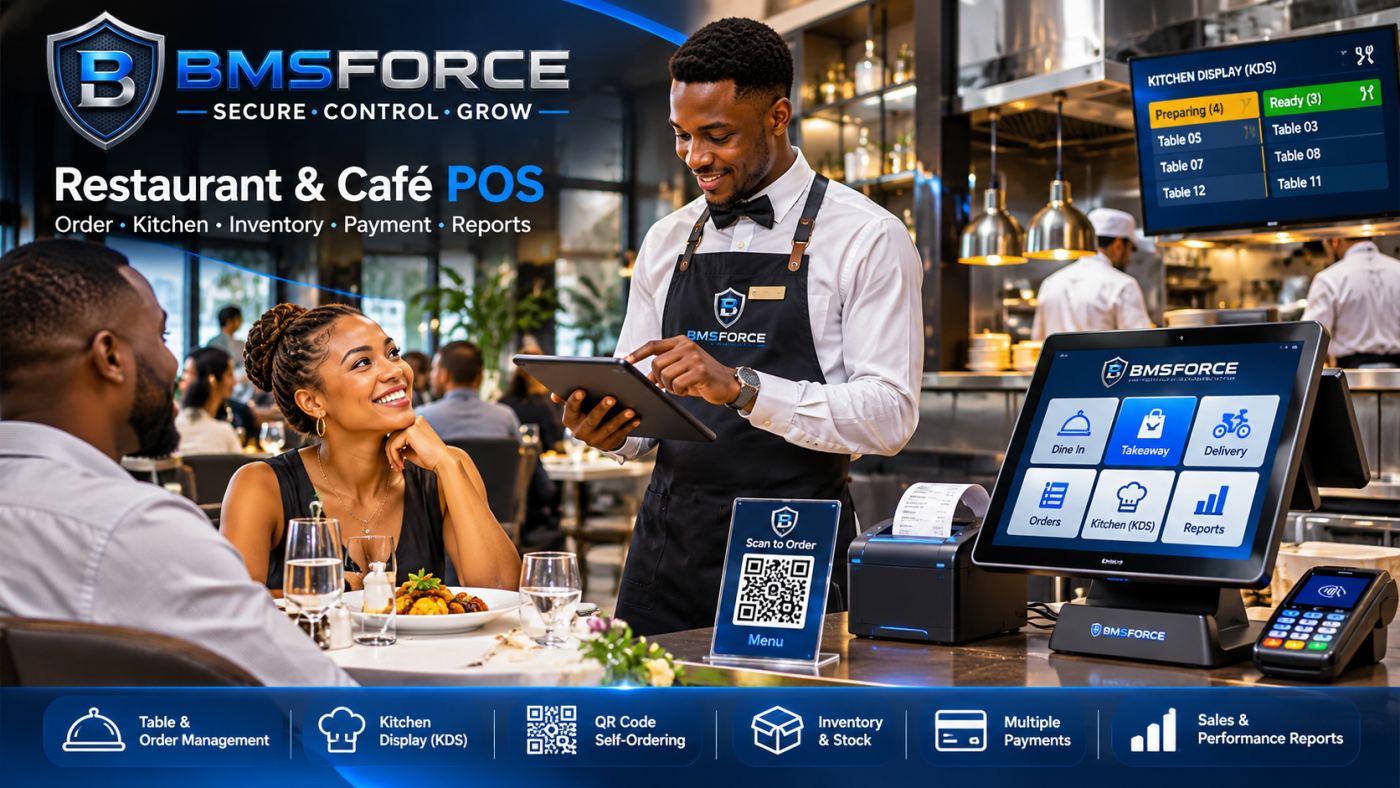
Restaurants & cafés

Restaurants & cafés

Tables, takeaway, kitchen display and ingredient-level stock.
Bars & lounges

Bars & lounges

Fast pours, happy-hour pricing and bottle-level inventory.

Retail & supermarkets

Retail & supermarkets

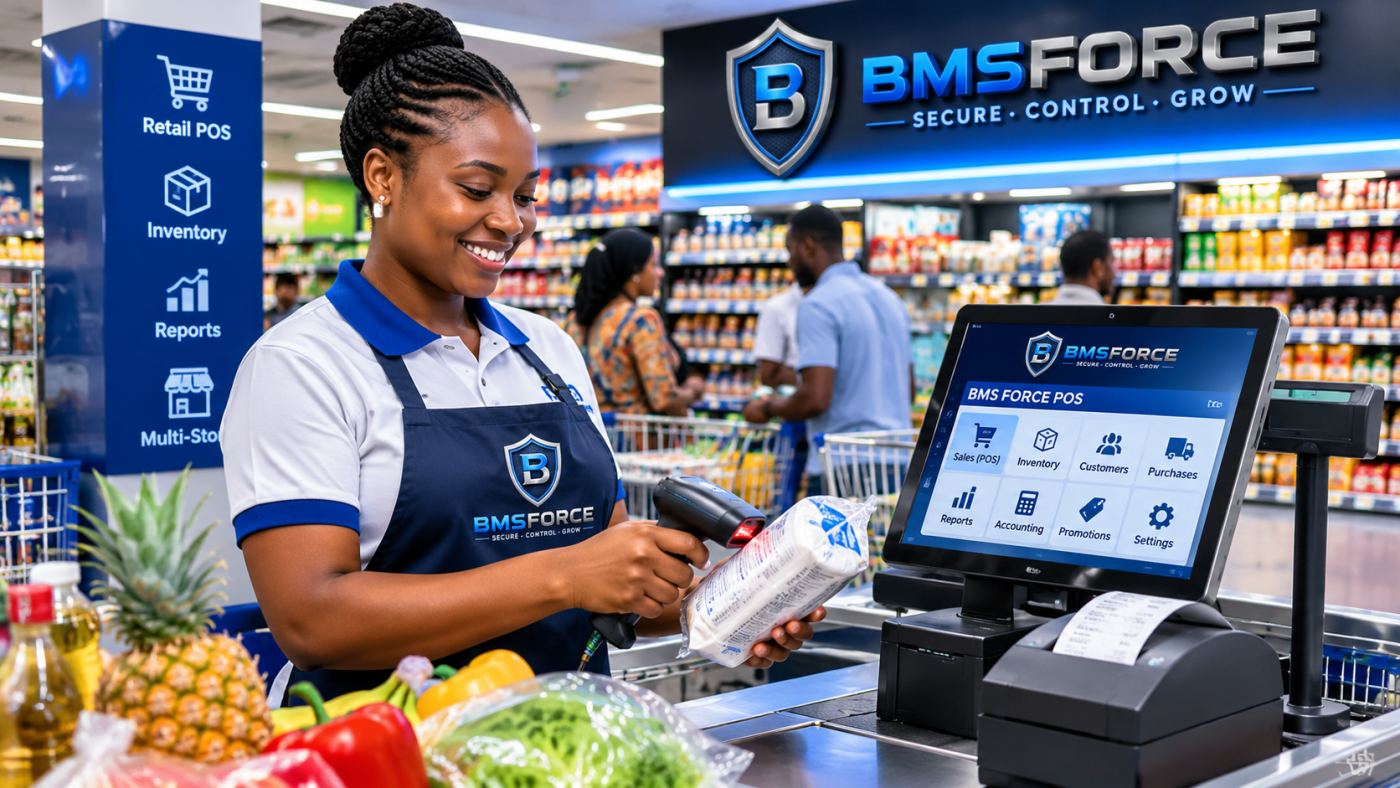
Barcode POS, multi-aisle stock and shift-safe cash control.

Gyms & studios

Gyms & studios

Plans, renewals, class rosters and door QR check-ins.

Pharmacy & specialty

Pharmacy & specialty

Batch tracking, expiry awareness and role-limited selling.

Trusted by operators who want clarity

Live numbers from a working demo environment — not vanity metrics.

6+ Core modules
4 Outlet types
47 Demo products
26 Staff on roles
Testimonials

Built with operators in mind

Teams use BMSFORCE to replace scattered tools with one source of truth.

“Shift close used to take forever. Now sales, stock and cash reconcile in the same screen.”
— Operations lead
“Hotel front desk and restaurant finally share the same guest picture — fewer mistakes, faster bills.”
— Front office manager
“We opened a second outlet without buying a second system. Roles and reports just scaled.”
— Multi-outlet owner
Courier & logistics

Fast, tracked delivery

Track a parcel live or book a pickup in under a minute — public links you can share with any customer, no account needed.

Get started

Ready to run your entire business with BMSFORCE?

POS, stock, hotel, gym, accounting — all in one dashboard.

Try Now See live demo
FAQ

Frequently asked questions

Yes. Use the live demo (demo / demo1234) to explore rooms, POS, stock and reports with real sample data.

Yes. Products, stock, staff roles and reporting are designed for multi-location operators.

No. It runs in the browser on desktop or tablet. Your data stays in the cloud dashboard.

Hotels, restaurants, bars, retail, gyms and similar service businesses — with modules you can turn on as you grow.

Use the green chat button for WhatsApp or email us — we reply on business days.

Chat with us 💬

📱 WhatsApp: +34610738734 📞 Call: +34610738734 📱 WhatsApp: +255744246681 📞 Call: +255744246681 ✉️ support@bmsforce.com